 Reference
 Output

Input image
Sidewalk walk toward the camera, handheld follow.
- Kept
- camera
- Replaced
- person
This page is the output side of CloneCut. Every card below is a real job: the reference clip on the left, the CloneCut version on the right, and a short note on what was kept and what was replaced. We publish the failures too, because a demo reel that only shows the wins tells you nothing about where the tool breaks.
If you came here to find out which formats you can pick from, that is a different page — the effect library is at /effects/. This page is about what comes out.
Every example on this page follows the same five-part structure, so you can compare them without guessing.
If a card looks good but the “Kept” line is vague, treat it as marketing rather than evidence. Ours are specific on purpose.
Same performance, same framing, same camera, different person. These are the examples to look at first if you want to put your own talent, founder, or yourself into a format that a competitor is already running.
ReferenceOutputInput image
Sidewalk walk toward the camera, handheld follow.
 Reference
 Output

Input image
Studio dance move against a terracotta backdrop.
 Reference
 Output

Input image
Talking to camera at a kitchen counter.
What to check here: hand shape and finger count, hair edges against busy backgrounds, and whether the face holds identity through fast head turns. Those are the three places person replacement usually fails.
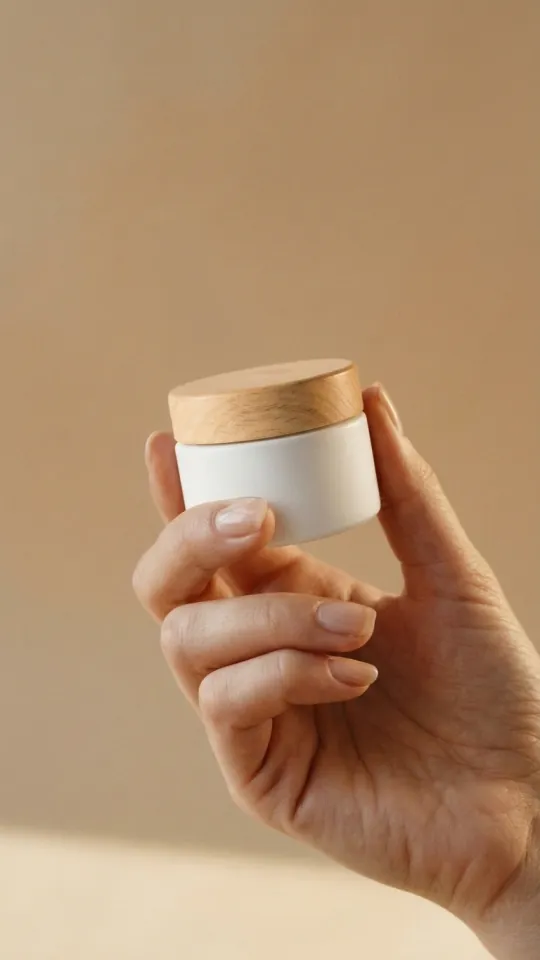
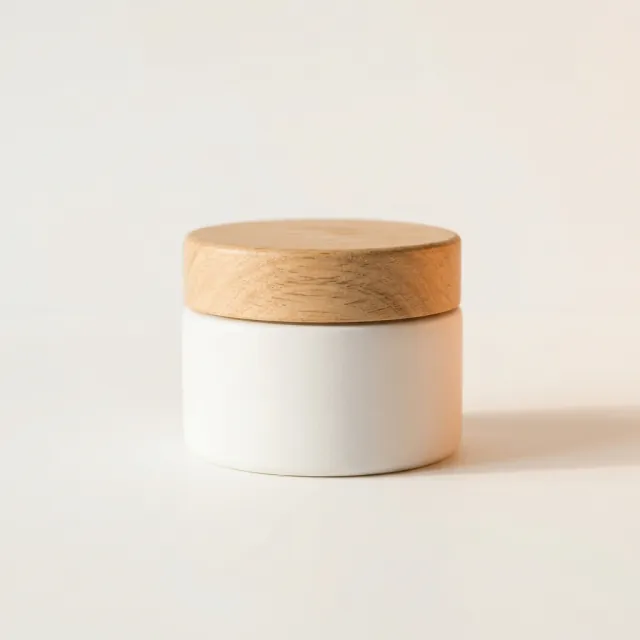
The most commercially useful category, and the one we get the most requests for. The hand path, the reveal angle, the turn of the wrist, and the final hero frame are all inherited from the reference; only the object in the frame changes.
 Reference
 Output
Input image
Hand-held hero frame on a beige backdrop.
 Reference
 Output
Input image
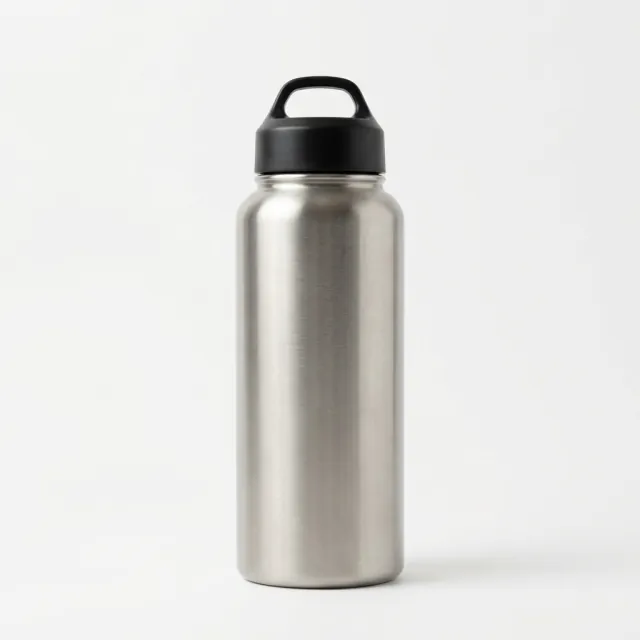
Orbit around a product on a stone pedestal.
What to check here: label legibility at the hero frame, whether reflections and highlights land on the new product convincingly, and whether scale matches the hand holding it. An output where the product looks pasted on is a failed output, even if the motion is perfect.
Same action, different thing being handled, worn, opened, or thrown. Useful when the physical behavior of a shot is the reason it works and the object itself is interchangeable.
 Reference
 Output
Input image
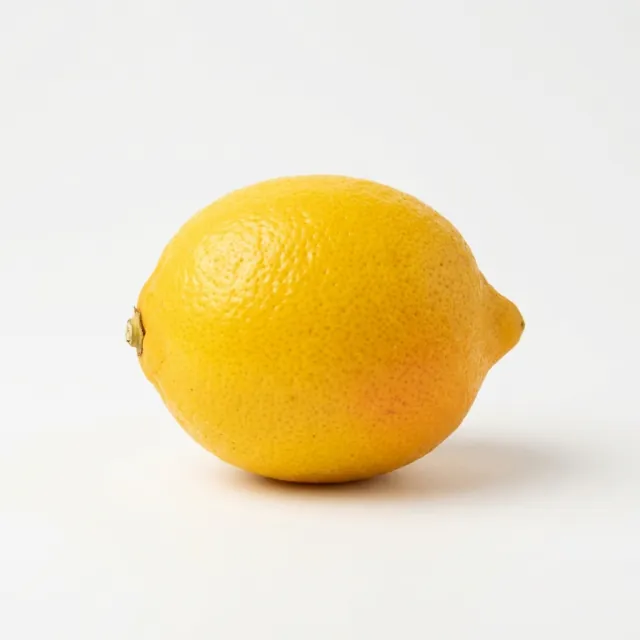
A toss above an open palm in a kitchen.
The person and the performance stay; the environment changes. This is the category with the widest quality spread, because lighting in the reference has to be plausible for the new location. A clip shot at noon does not become a night scene without looking like a composite.
 Reference
 Output

Input image
A spin in a rust-orange dress at golden hour.
 Reference
 Output

Input image
Seated acoustic guitar performance.
We keep this section because it tells you more about CloneCut than the ones above.
Fast cuts. A reference that cuts every half second leaves too little continuous motion to anchor a replacement. The output drifts.
Occlusion. A hand passing in front of a face, or a product hidden mid-shot, breaks the mapping between frames.
Multiple people. If the reference has three people in frame, you have to tell CloneCut which one you mean — and if the answer is “all of them”, expect the weakest of the three.
Low-light, high-noise sources. Noise gets copied along with the motion.
None of these are permanent limits; they are the current edge of the tool, and they are the reason we ask for a reference clip with one clear subject.
Before you trust any demo — ours or a competitor's — do this:
If an example passes all three, it is probably a real output.
Drag to compare
Yes. Every card on this page was produced through the same flow a user gets: reference video plus one image, no manual post-processing.
We add categories when enough people ask for the same one.
Each card shows a clip long enough to contain a complete motion beat. Full-length outputs are longer than they need to be for comparison.
Because the source clips were better. Clean lighting, one subject, and continuous camera movement clone well; crowded, dark, fast-cutting sources do not. That is a property of the input, not a difference in the tool.
On the CloneCut effects library — that page indexes the formats themselves, this page shows results.
Upload a reference video and one image, and CloneCut keeps the motion, camera, and timing while you swap in what you sell.