CloneCut Effects Library
This is the index. Each entry below is a format — a specific camera move, cut pattern, or reveal structure that CloneCut can reproduce on your footage. Pick the one that matches the reference you have in mind, open its page, and you will find what the effect looks like, what kind of reference clip to send, and where it usually goes wrong.
Every format listed here is live or in review. Nothing on this page is a promise about a tool we do not have.
What the CloneCut Effects Library Is
An effect, in our sense, is a repeatable video format that can be described, referenced, and cloned. It is not a filter and not a style preset. A filter changes how a frame looks; an effect here changes what happens across frames — the camera travels, the cut lands, the object turns, the scene reveals.
That distinction matters because it decides what belongs on this page. “Warm cinematic grade” is not an effect. “Slow orbit around a product with a light sweep” is.
How an Effect Page Works
Each individual effect page is built the same way, so you can compare two formats without relearning the page:
- Preview: a reference clip that embodies the format.
- What stays: which of motion, camera, cuts, and timing CloneCut reproduces.
- What you send: the kind of reference clip that clones well in this format, and the one image you need.
- Common failures: the specific way this format tends to break.
- Related effects: the two or three formats it is most often confused with.
If you want to see finished outputs rather than format descriptions, the CloneCut examples page is where the results live. This page describes what you can pick; that page shows what came out.
Browse Effects by Format
The list area below is a card grid. Each card carries four pieces of information and nothing else:
- Effect name — the format, as people actually refer to it.
- One-line description — what happens in the shot, in plain language.
- Reference clip thumbnail — what a good source clip for this effect looks like.
- Status — live, or in review, so you know whether you can run it today.
Cards are grouped by the kind of camera and edit behavior involved, not by industry, so the same format is easy to find whether you sell cosmetics or furniture:
- Camera movement — orbits, pushes, pull-backs, handheld follows.
- Cut and transition — match cuts, whip pans, hard reveals.
- Pacing and rhythm — beat-matched sequences, speed ramps, single-take walks.
- Product showcase — hand-held reveals, unboxings, before-and-after turns.
- Scene and set — environment swaps where the performance stays fixed.
Camera movement
 In review
Orbit
Slow orbit around a product with a light sweep.
 In review
Push-in
The camera moves steadily toward the subject.
Cut and transition
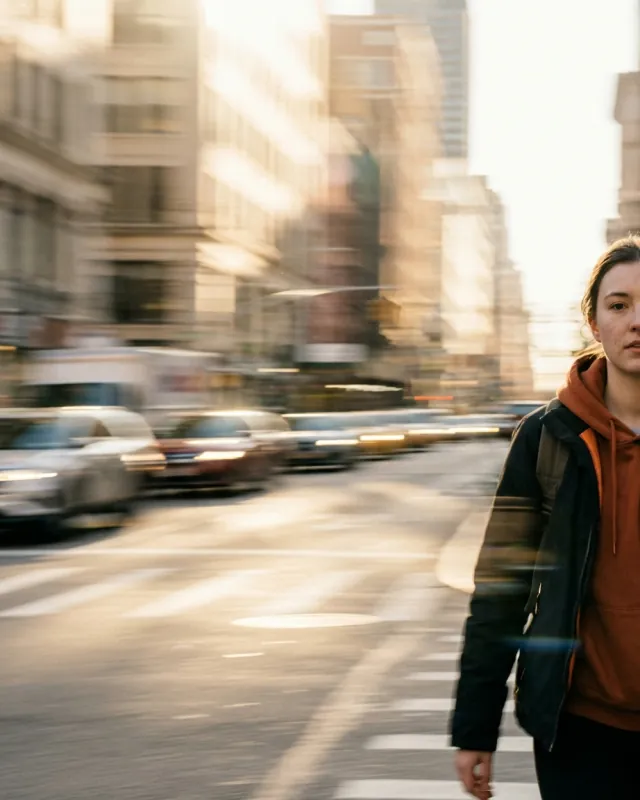 In review
Whip pan
A fast sideways swing of the camera blurs into the next shot.
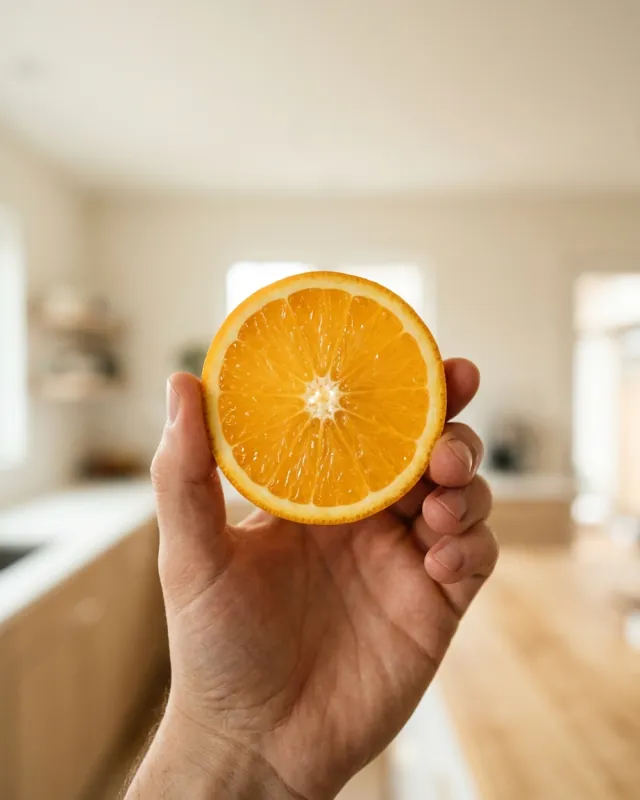 In review
Match cut
Two shots joined on the same shape in the same place.
Pacing and rhythm
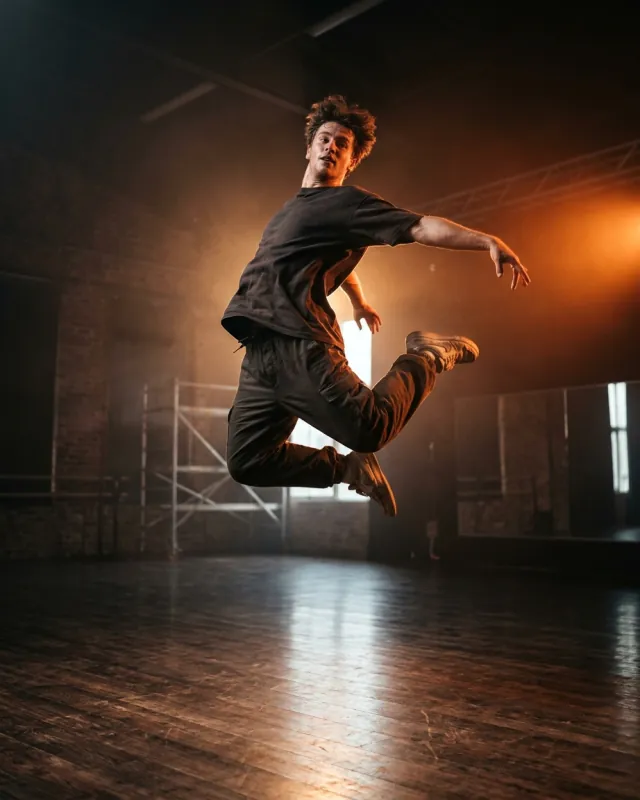 In review
Beat-matched sequence
Cuts and moves land on the beat of the track.
 In review
Speed ramp
The shot slows down or speeds up mid-move.
Product showcase
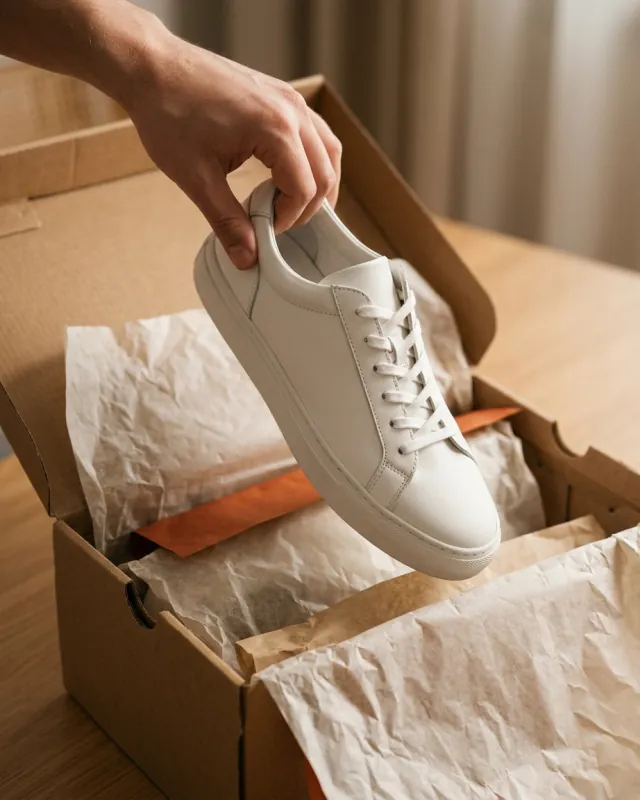 In review
Hand-held reveal
A hand brings the product into frame toward the camera.
Scene and set
 In review
Environment swap
The subject stays in place while the setting around them changes.
What Makes an Effect Cloneable
We add a format to this library only when it passes four checks. This is also a useful test for the reference clip you are about to send.
- 1One clear subject. One person, one product, one object. Multiple subjects of the same kind break the mapping.
- 2Continuous motion. If the reference cuts every few frames, there is not enough continuous movement to anchor the clone.
- 3Readable lighting. Stable, even light clones well; heavy noise and rapid exposure changes get reproduced as artifacts.
- 4A describable structure. We should be able to write down what the camera and the edit are doing. If we cannot describe it, we cannot build a page for it, and you probably cannot pick it deliberately either.
Effects We Are Adding Next
The order of this list is decided by requests, not by our roadmap. Formats that several users ask for move to the front; formats nobody asks about stay where they are. If the effect you want is not in the grid above, it is not because we decided against it — it is because it has not been asked for enough times yet.
Request an Effect
We reply to every request, and if the format passes the four checks above, it gets a page.
FAQ
Is every effect in this library available right now?
No. Cards marked “in review” are formats we have validated but not finished documenting. Live effects can be used today.
Do I need a different reference video for every effect?
Yes — the reference defines the format. The same image can be reused across effects, but the video has to match the effect you picked.
Can I use one of these effects with a product rather than a person?
That is the most common use. Product and person replacement both work across the formats in this library; the effect describes the camera and the edit, not what gets swapped.
What if my reference clip does not match the effect description?
Then you are cloning something we have not documented. Send it to us — it may become the next card.
Where can I see finished videos instead of format descriptions?
On the CloneCut examples page.
Pick a format and send one reference clip.
CloneCut keeps the camera, the cuts, and the rhythm, and puts your own person, product, object, or scene inside it.